Shutter is a popular screenshot tool available .It is still an excellent choice for handling screenshots.
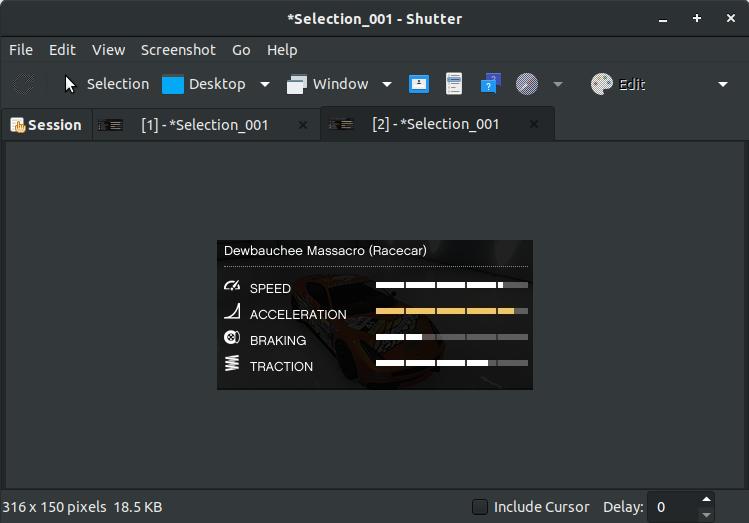
Feature:
- Annotate
- A fade part of an image.
- Crop portion of an image.
- Send images to image hosting sites to upload to them.
In Ubuntu-based distributions , you can use the following command in the terminal to install Shutter :
sudo apt install shutter
As we saw with Flameshot, you can either follow the same instructions (with a different command) to set a custom shortcut to trigger Shutter when you press the PrtSc key.
If you want to assign a custom keyboard lock, you need to use the following in the command field :
shutter -f